
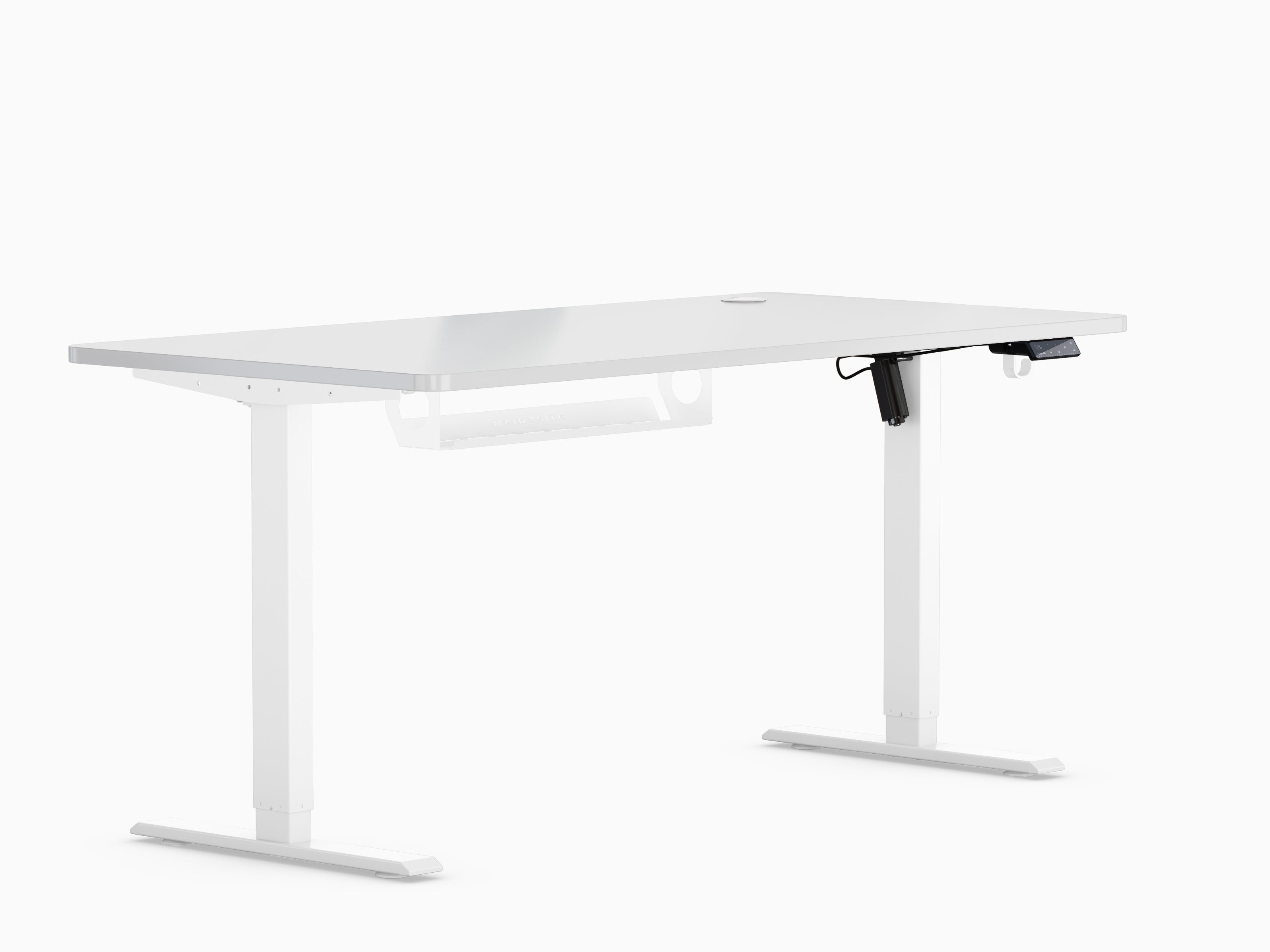


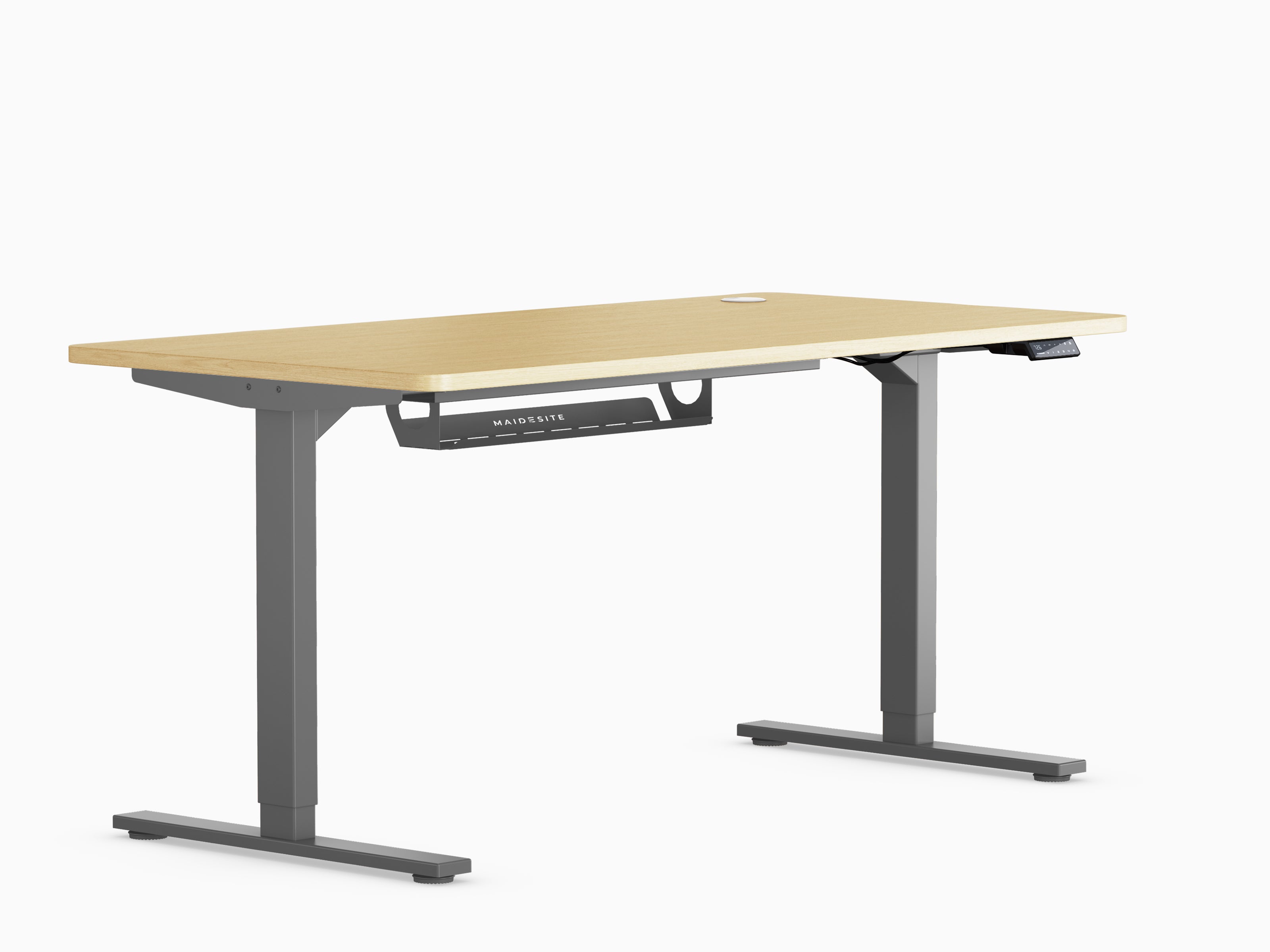
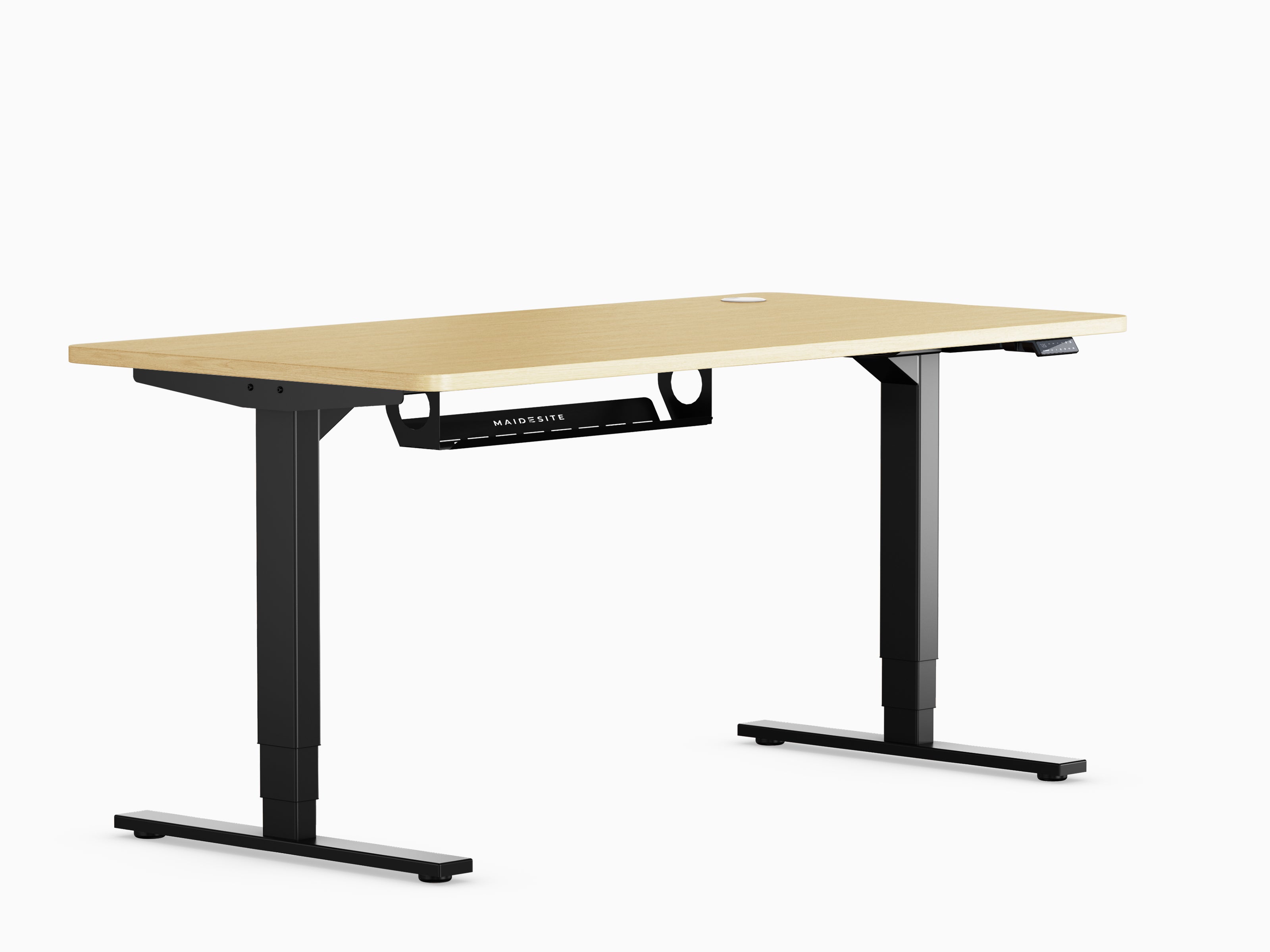
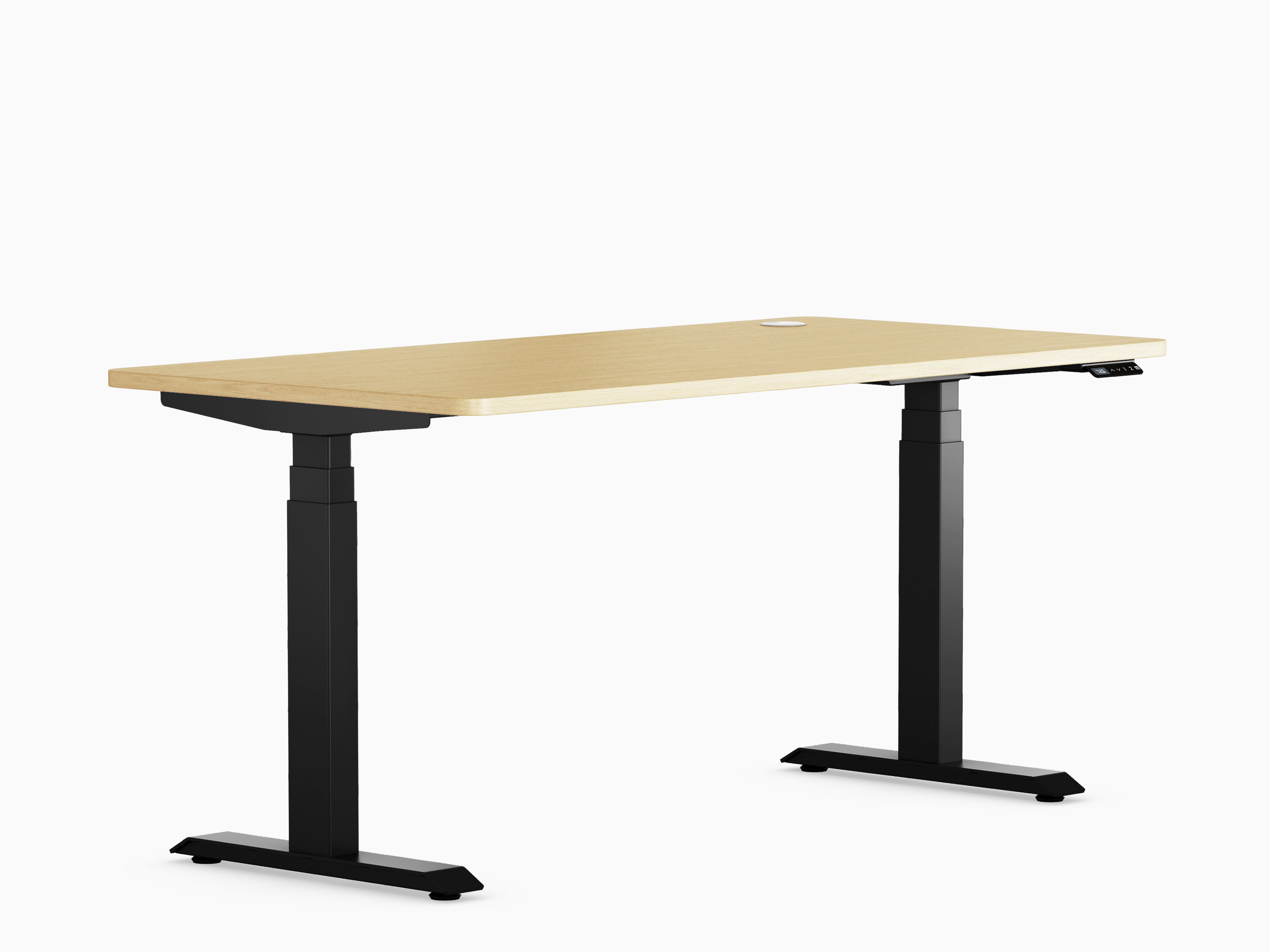







Height-adjustable desk: The complete care guide

Why care is important
You've invested in a height-adjustable desk . Now it's time to protect that investment. A little regular maintenance will keep your desk in perfect condition for years, not just months.
Think about your mobile phone or your laptop. You wouldn't neglect them, would you? Your desk needs the same attention. The good news: Maintaining a height-adjustable desk is easier than you think.
Clean it from top to bottom

The surface first
Dust, crumbs, and spills are your desk's biggest enemies. They accumulate slowly, but the damage adds up quickly. Wipe your desktop weekly with a soft, damp cloth and mild soap – nothing special is needed.
Harsh chemicals? Leave them in the cupboard. They'll ruin your desk's surface faster than anything else. Stick to gentle cleaners suitable for wood or laminate.
Don't forget the rack.
The legs and frame of your desk also collect dust. Most people completely ignore this part. Wipe them down once a month to prevent dirt from accumulating in the moving parts.
Pay particular attention to the connections and motors. Dust loves to hide there. A quick wipe will prevent long-term damage that could cost you hundreds of euros in repairs.
Keep liquids away from the control unit.
Water and electronics don't mix. Ever spilled coffee near your control panel? Don't do it. One splash in the wrong place can destroy the entire system, leaving you with an expensive paperweight instead of a functioning desk.
Tighten the screws
Movement means relaxation.
Your desk moves up and down dozens of times every week. All this movement gradually loosens screws and bolts. This isn't a defect – it's simply physics.
Check all connections every three months. Grab the Allen key that came with your desk and tighten everything. It takes ten minutes and will save you a lot of headaches later.
Don't overdo it.
Tight is good. Too tight is bad. Overtightening damages threads and causes wooden parts to split, creating bigger problems than before. Just tightened is perfect – you'll feel it when you reach the right point.
After tightening your desk, test it at different heights. If it wobbles in any position, you've missed a spot. Go back and check again until it's rock solid.
Take care of the engine

Respect the weight limit
Your standing desk has a maximum weight capacity for a good reason. Exceeding it will strain the motor and dramatically shorten its lifespan. Consult your manual and adhere to the limit – no exceptions.
This lamp, the monitor, the printer, and the stack of books? They all count. Weigh your equipment if you're unsure. Better safe than sorry, than ending up with a broken desk.
Give him breaks
Are you adjusting your desk twenty times in five minutes? The motor will overheat. Let it rest between adjustments, especially if you're moving heavy loads. Motors need recovery time, just like you do after exercise. According to the user manual, most electric standing desks should be used for two minutes and then left to rest for 18 minutes.
Check your cables
Tangled or pinched cables cause power outages. Check them monthly to ensure nothing is trapped under the rack or wrapped around moving parts. Loose connections mean unreliable performance and potential safety hazards.
Use a surge protector as well. Power fluctuations can instantly destroy your control panel, and this is not covered by most warranties.
Lubricate moving parts

When and where
Most modern desks don't require much lubrication. Once or twice a year is perfectly sufficient. Focus on the lifting columns and any metal connections that slide against each other.
Use silicone spray or dry lubricant – never oil. Oil attracts dust like a magnet and forms a gritty paste that actually hinders movement. A light spray is all you need.
Less is more
Wipe up any excess lubricant immediately. Too much lubricant will drip onto your floor and make a mess. A tiny amount keeps everything running smoothly without the mess.
Your desk should glide up and down almost silently. If you hear any creaking or clicking, it's time for some lubricant.
Protect your tabletop
Daily habits count
Use coasters. Always. Water rings and heat marks don't come out easily and can make your desk look years older than it is. The same goes for laptop heat – get a cooling pad or a stand.
Smart work practices
Are you cutting something? Use a cutting mat. Even small scratches add up over time and make your beautiful desk look battered. Direct sunlight fades the color and damages the surface, so position your desk away from the window or use blinds during peak hours.
Cable management isn't just about aesthetics. Dragging chargers and cables across your desk scratches the surface. Invest in cable clips and you'll thank yourself later.
Distribute the load evenly
Place heavy objects in the center
This huge monitor belongs in the middle of your desk, not at an edge. Uneven weight distribution puts stress on one side of the stand, causing uneven lifting and potential motor damage.
Stack items centrally. Both lifting columns should distribute the load evenly. This simple habit prevents premature wear and keeps your desk stable at all heights.
Level your floor
Is your desk wobbly on carpet or uneven flooring? Adjust the glides at the bottom of each leg. A level desk works better and lasts longer because the motor doesn't have to compensate for an uneven surface.
Use it correctly

Handle the controls gently.
Don't slam your desk into its highest or lowest position. Stop just before it reaches its mechanical limit. These abrupt stops put unnecessary strain on the motor and frame.
Find your rhythm
Alternating between sitting and standing is brilliant for your health. But constantly changing position without a break overworks your back. Give it a few minutes between changes – your back benefits from adjusting to each position anyway.
Lock him up
Do you have children or curious pets? Use the child lock. Accidental button presses can cause collisions with chairs or objects underneath, damaging both your desk and whatever it hits.
Move it carefully
Treat it like electronics
Your desk isn't just a piece of furniture – it has motors, sensors, and control systems. Unplug everything before moving it, even if you're only pushing it a few meters across the room.
Take it apart
Removing the tabletop makes moving the table much easier. Separate the frame parts if possible. This will prevent bending components or straining your back trying to lift the whole thing.
Lifting columns contain delicate internal gears. Never pull or twist them. Handle them carefully and they will function perfectly for years.
Do an annual check
Listen to your desk
Strange noises mean something is wrong. Clicking suggests loose parts. Grinding means you need lubrication. Uneven movement indicates a motor problem that a simple reset might fix.
Check everything
Check all cables and connections annually. Look for frayed ends, loose plugs, or worn insulation. These small problems will become big problems if ignored.
Most desks have a reset function. Use it once a year to recalibrate the motorized height settings. Your manual explains how – it usually takes about thirty seconds and will make your desk run like new.
Bottom line
Your height-adjustable desk makes your life better. Return the favor with a little care. These simple habits take minutes but extend the life of your desk by years.
Regular cleaning prevents dirt from damaging moving parts. Tightening screws prevents wobbling and strain. Respecting weight limits protects the motor. It's all simple stuff that anyone can do.
Maintenance isn't a chore – it's insurance. It protects the comfort and flexibility that make your everyday life easier. Follow these tips and your desk will serve you faithfully long after the warranty expires.
Think about it. A few minutes of maintenance per month versus hundreds of euros for repairs or replacements. That's not just smart – it's essential.


