








Why an ergonomic workplace is really important

Let's be honest: We all sit too much.
In the office, working from home, at the kitchen table – sometimes even on the sofa with the laptop on our laps. Then we wonder why our back hurts, our neck gets stiff, and our head is pounding in the evening.
An ergonomic workstation might sound expensive at first. But it isn't. Basically, it's simply about your workstation fitting your body – not the other way around.
And that makes a huge difference in everyday life.
Back pain is not inevitable.

Why does my back hurt when I work?
Almost everyone knows the feeling. After a few hours of sitting, your back aches, your neck gets stiff. You keep sliding forward and eventually end up hunched over like a question mark.
The problem is often not the job, but the workplace.
The most common mistakes at the desk
- A table that is too low or too high
- A chair without proper back support
- A screen that is positioned much too low
- No way to change position
If your body is constantly in an unnatural position, it will eventually let you know. First quietly, then louder. And eventually with real pain that won't go away.
What an ergonomic workplace changes
Your back stays straighter. Your shoulders relax. Your neck doesn't have to constantly compensate and tense up.
It doesn't feel spectacular, but after a few days you realize: It simply hurts less.
Sitting still is the real problem.

Movement in the workplace is crucial
Many people think: Sitting is bad. That's only half true. The real problem is staying in the same position for hours without moving.
The body craves movement – even at work.
How ergonomic furniture promotes movement
An ergonomic workplace ensures that you move around more often, automatically:
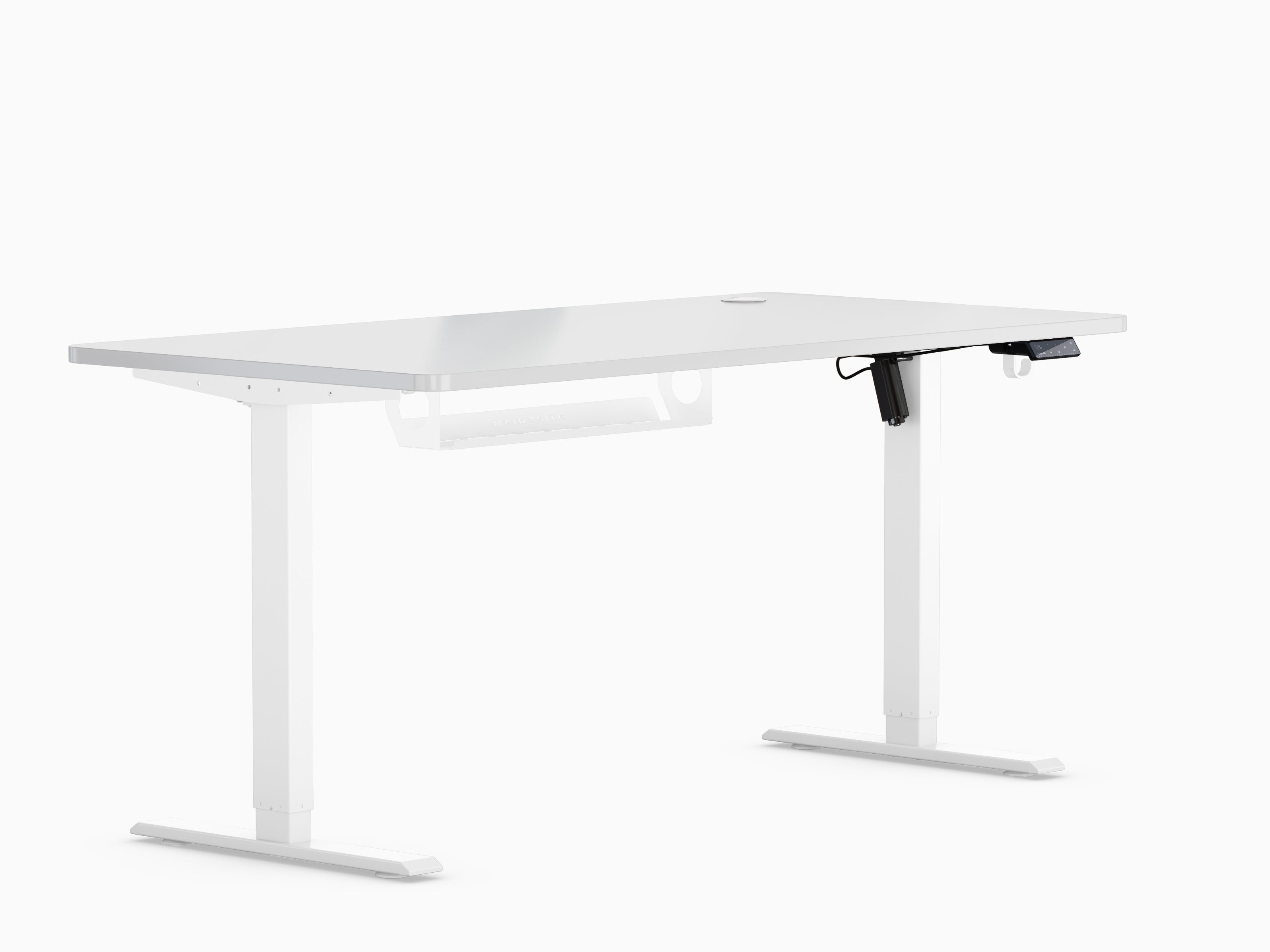
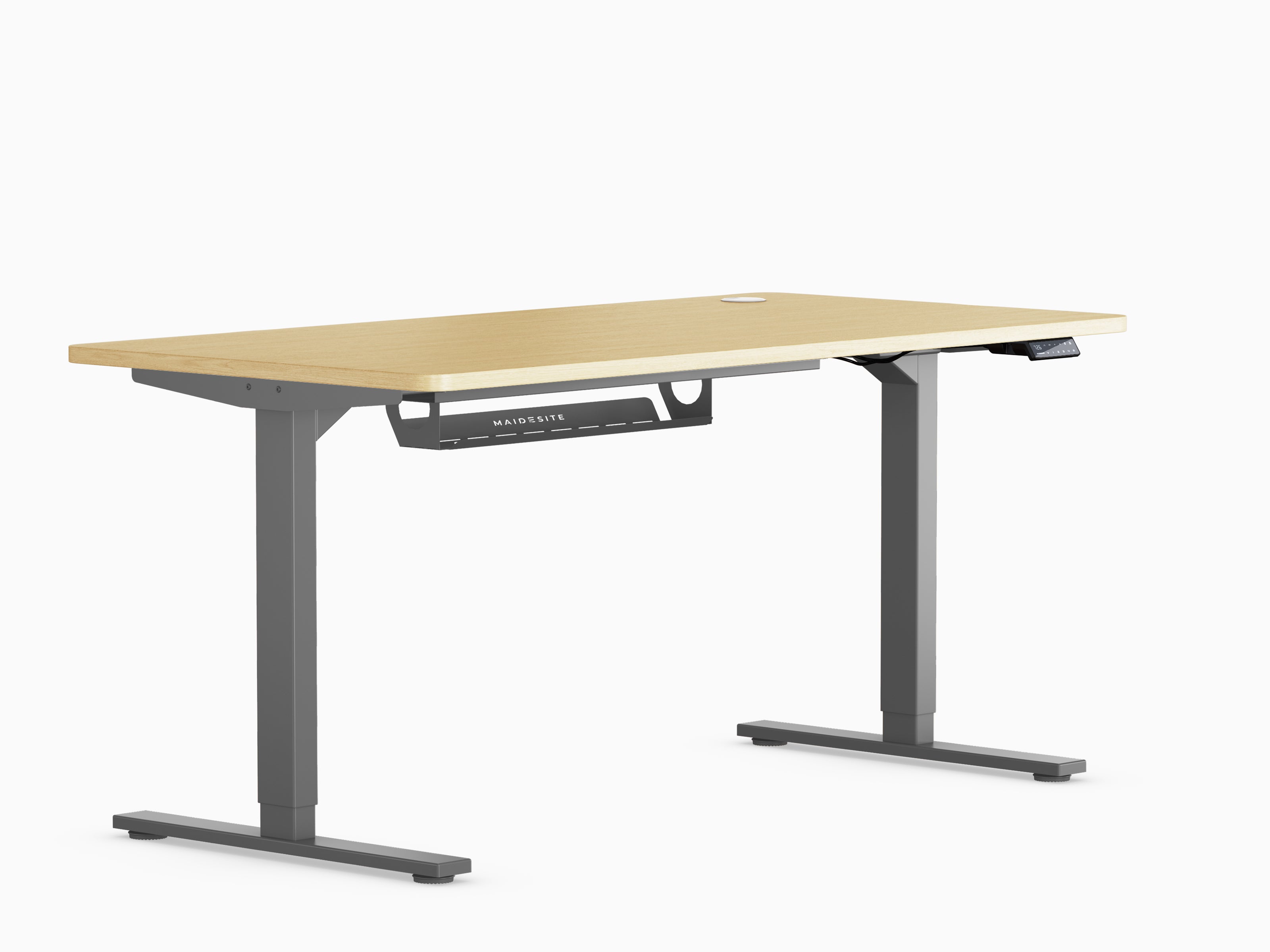
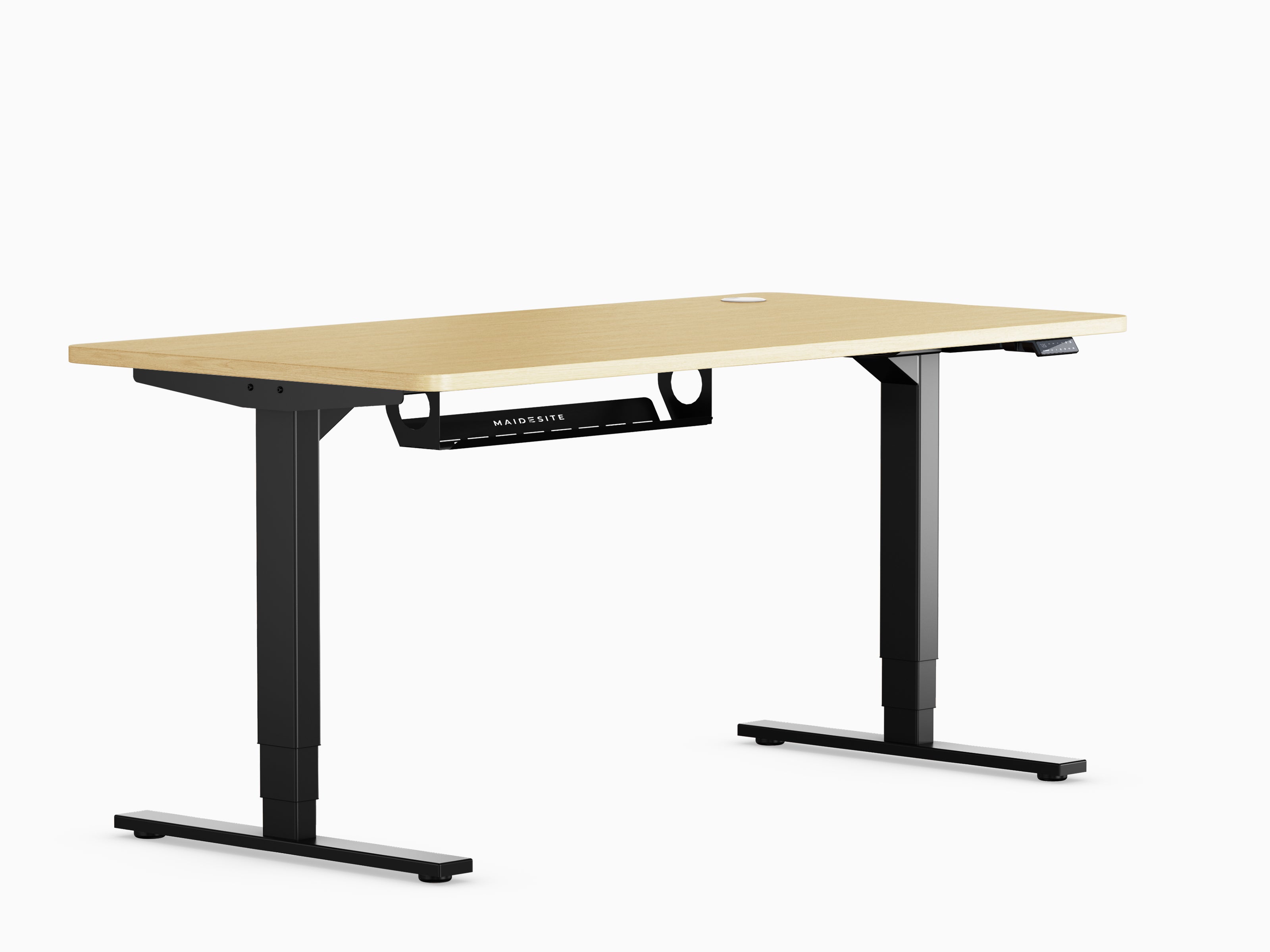
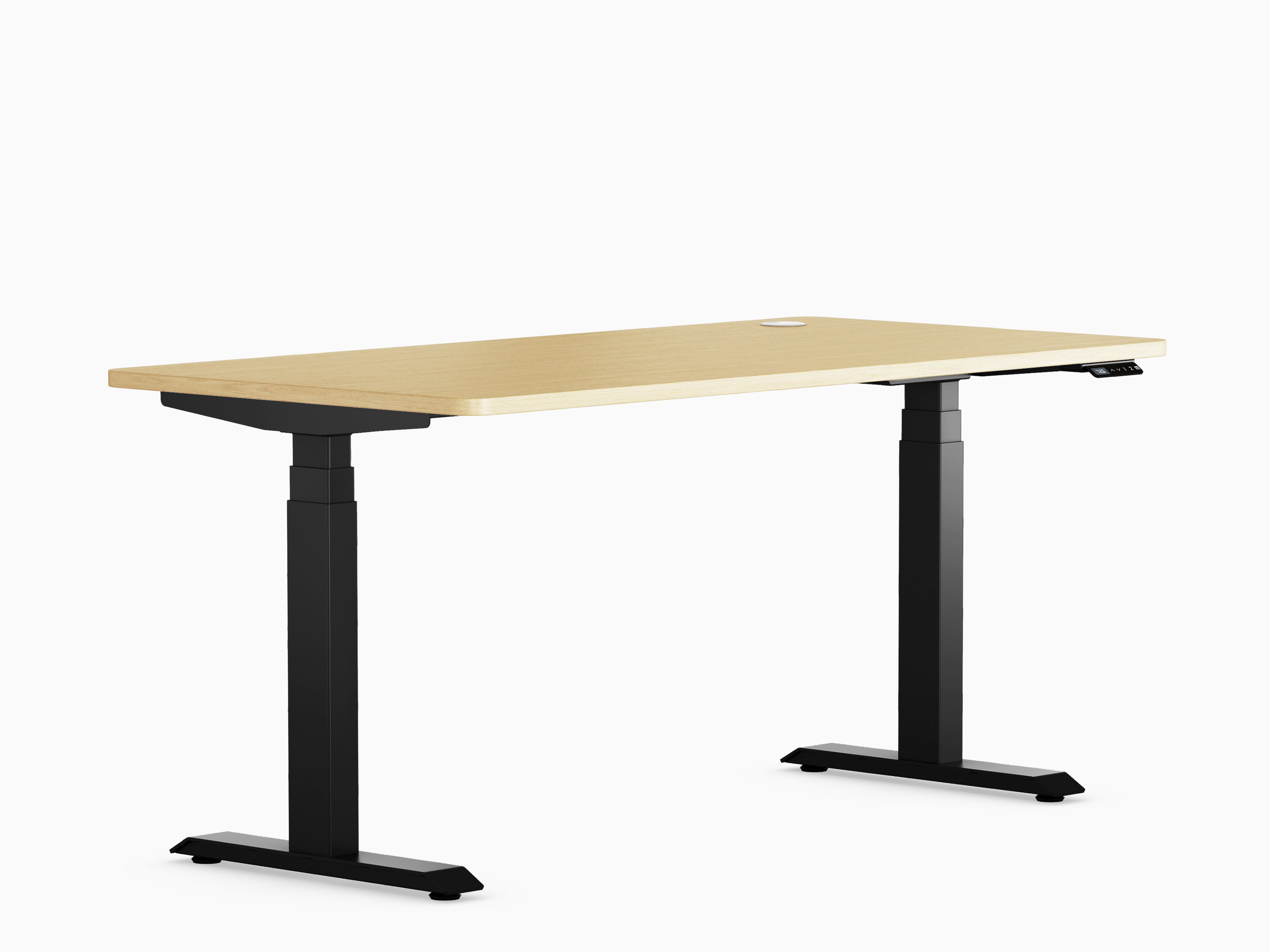
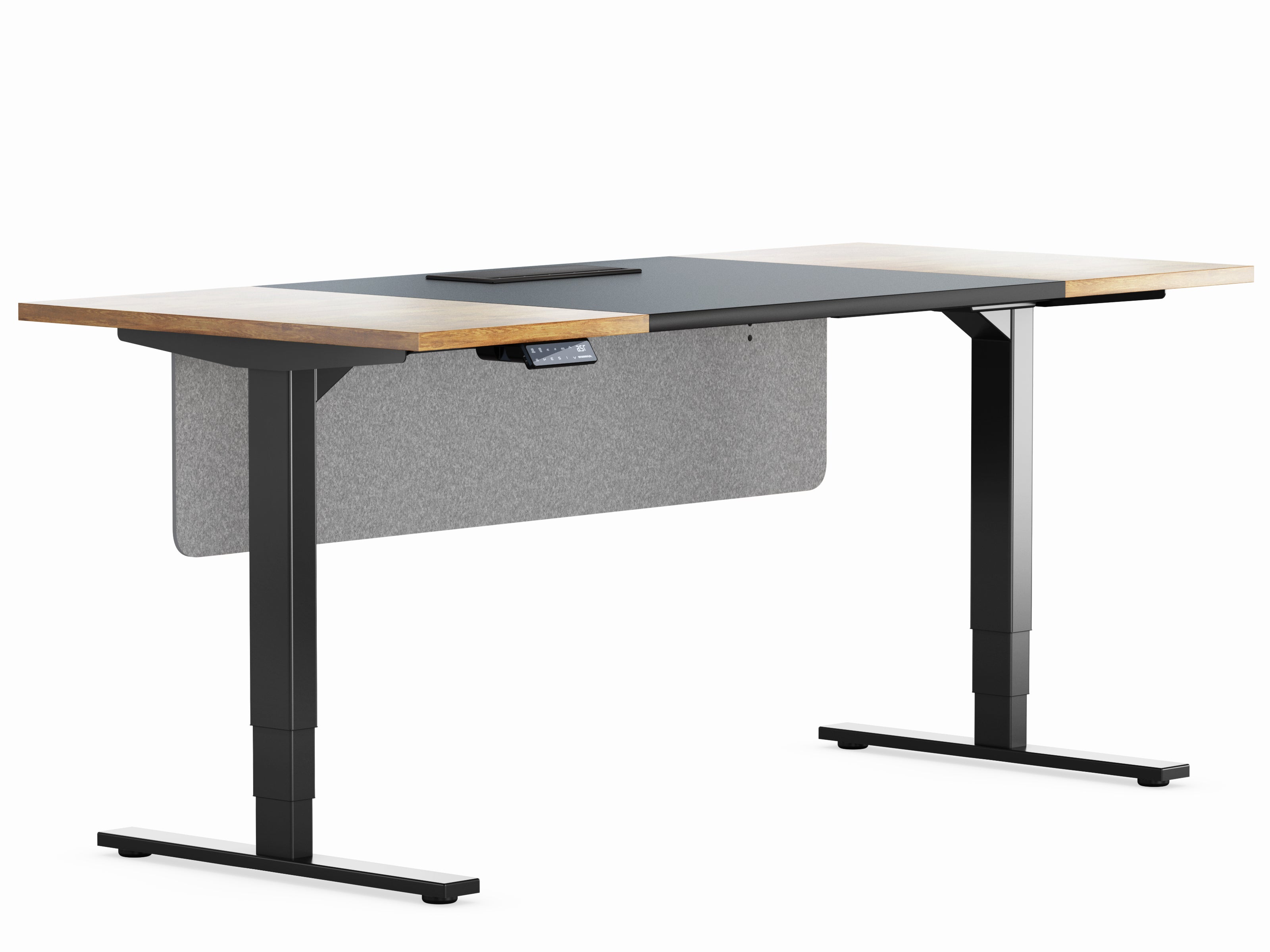
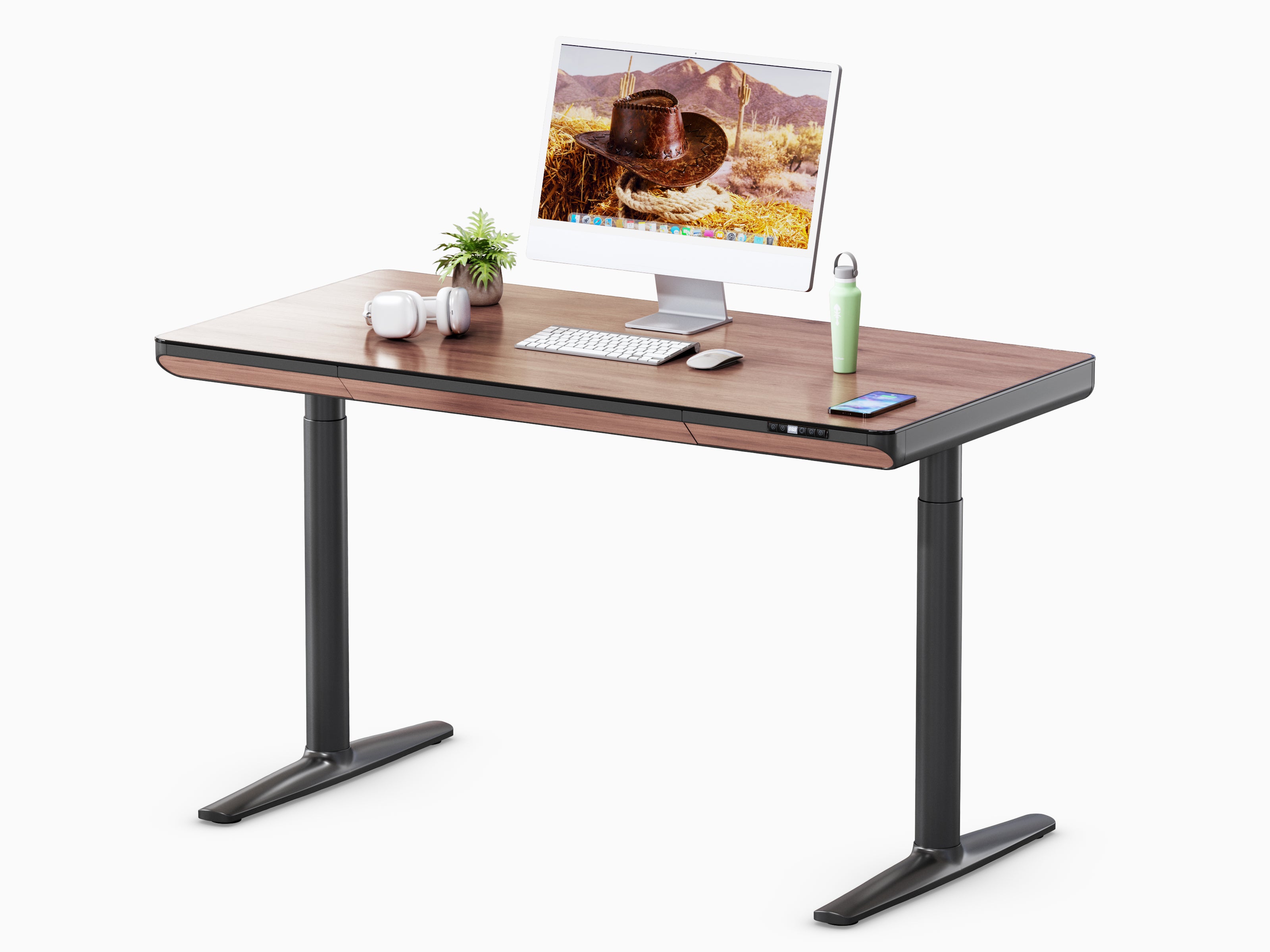
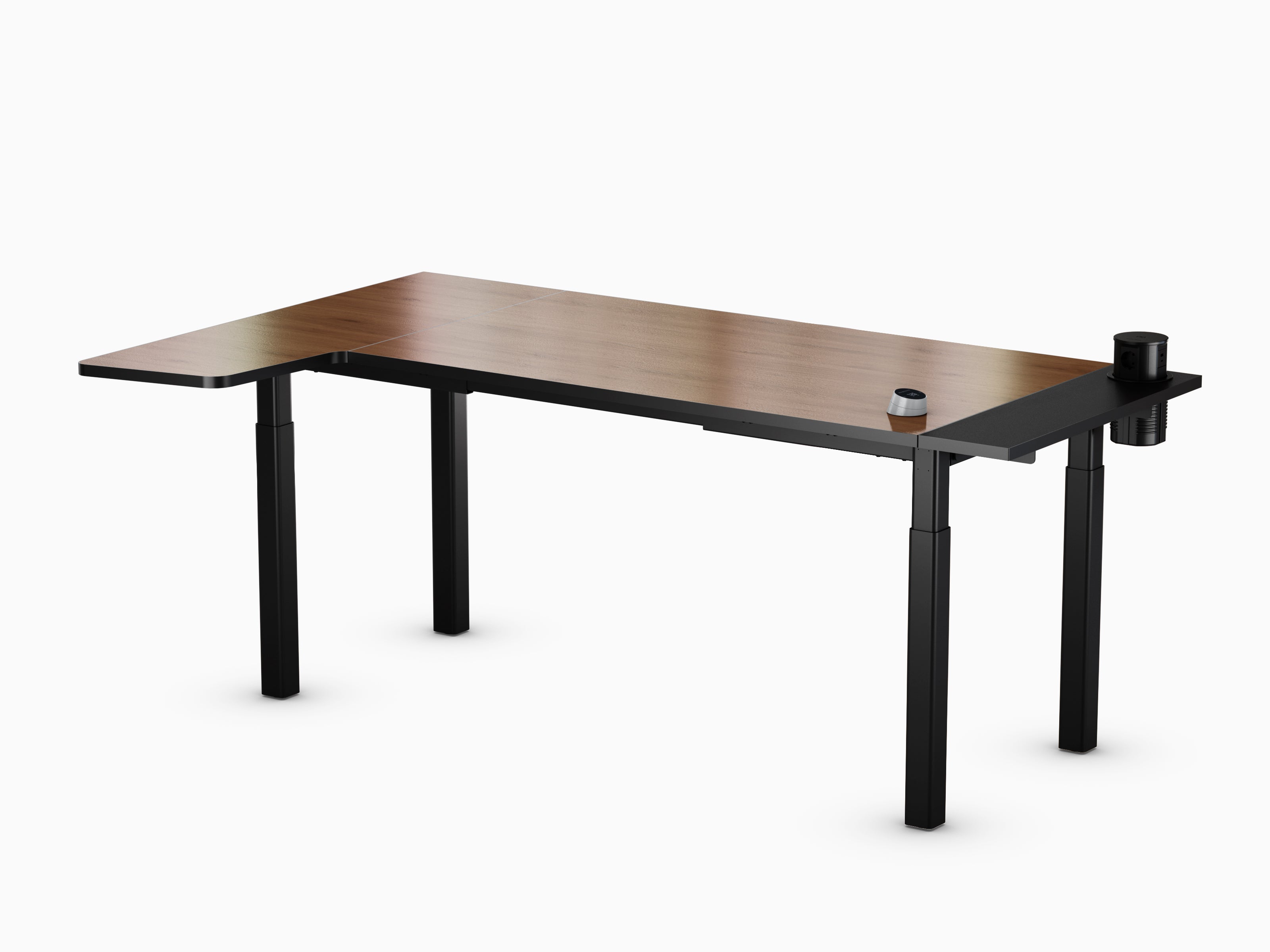
- Height-adjustable desk : Switching between sitting and standing
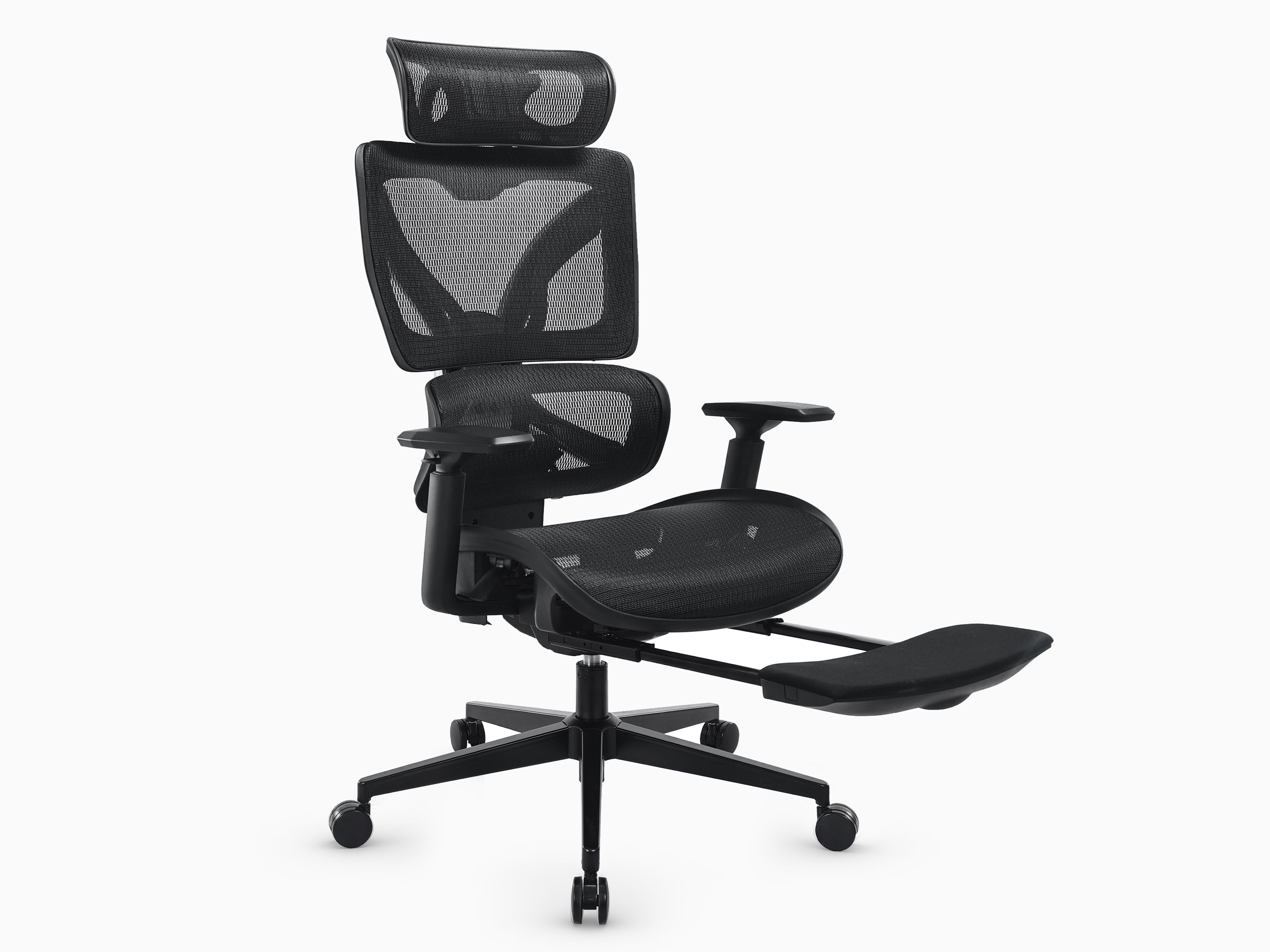
- Ergonomic chair : Various sitting positions possible
- Sufficient space : For legs and arms to move around.
Standing up from time to time immediately relieves pressure on your back. Changing your sitting position frequently keeps your muscles active. You don't need to do any exercise for this – your workplace does some of the work for you.
Improved concentration through correct posture
Overcoming the midday slump
Do you know that midday slump? You sit there, staring at the screen and reading the same sentence five times without really understanding it.
Sure, food plays a role – but so does your attitude.
How sitting position affects concentration
When you sit hunched over, your breathing becomes shallower and slower. Less oxygen reaches the brain. The result: more fatigue, less concentration.
An ergonomic workplace helps you to sit or stand more upright.
The advantages:
- You breathe deeper and get more oxygen.
- Your circulation is working better
- You stay awake longer mentally.
- You make fewer careless mistakes.
This isn't magic, it's simply biology.
Working from home makes ergonomics even more important

The challenge of working from home
In the past, the office was blamed for poor posture. Today, it's often the kitchen table. Since the pandemic, many people have been working from home, and quite frankly, very few have a perfectly set up workspace there.
Typical home office problems:
- Laptop directly on the table (screen too low)
- Kitchen chair without backrest
- Keyboard too close to the body
- No place to stand
It's manageable at first. But after a few weeks or months, you'll notice it throughout your entire body.
Why ergonomics in the home office is not a luxury
An ergonomic workspace in your home office is essential for your well-being. You work there every day, sometimes even longer than in the office. If you're already investing time and energy in your work, your workspace should support you – not wear you out.
Save money and stress in the long run
Consider the costs correctly
Many people are deterred by the costs: a good chair, a height-adjustable desk, perhaps an external monitor. Sure, that costs money.
But try calculating it differently:

What is the true cost of poor ergonomics?
- Doctor's visits and treatments
- Physiotherapy over months
- Sick leave and absences
- Reduced work performance due to pain
- Sleep problems and persistent tension
An ergonomic workplace is an investment in your health, your energy, and your quality of life.
Utilize financial support
Many people don't know this: In Germany, employers often cover part of the cost of ergonomic furniture. You can also deduct some expenses from your taxes, especially if you work from home.
Perfection is not necessary
Small changes, big impact
You don't need a high-end office for 5,000 euros. Ergonomics doesn't mean everything has to be perfect. It just means: better than before.
Simple improvements with a big impact:
- Raise the screen a few centimeters higher
- A chair that supports your back
- A table where you can also stand.
- Position the keyboard and mouse correctly
Even small changes can make a big difference to your well-being.
Improve step by step
You don't have to do everything at once. Start with what bothers you the most. Is it your neck? Then raise the screen first. Is it your back? Then get a better chair first.
Ergonomics also affects mood.
The impact on well-being
Many people underestimate this. If you're constantly in pain, you're more irritable, less focused, and get annoyed more easily. When your body feels better, you're automatically more relaxed.
You work more calmly and go home less exhausted in the evening.
Impacts on all areas of life
This affects everything:
- Improved mood at work
- More patience with family and friends
- More energy for hobbies and leisure
A good job won't automatically make you happy. But a bad job will almost certainly make you unhappy and exhausted.
Frequently asked questions about ergonomic workplaces
How much does an ergonomic workplace cost?

A basic setup with a good chair and height-adjustable desk costs between 500 and 1,500 euros. You can also start with smaller investments such as a monitor stand (from 20 euros) or an ergonomic mouse (from 30 euros).
Will my employer cover the costs ?
Many employers contribute to the costs, especially for home office equipment. Just ask – there are often budgets for this that not everyone knows about.
How do I set up my workstation correctly?

The most important settings:
- Screen : Top edge at eye level, arm's length distance
- Chair : Feet flat on the floor, thighs horizontal
- Table : Forearms horizontal on the tabletop
- Keyboard : Shoulders relaxed, wrists straight
How often should I switch between sitting and standing?
Experts recommend changing your position every 30 to 60 minutes. You don't have to stand for long – even 10 minutes makes a big difference.
Your next step: Implement it today
Quick tip for better ergonomics
Ergonomics is not a trend, but common sense. Your body carries you through work every day and deserves a workplace that doesn't get in its way.
A practical tip for today: Adjust your screen so that the top edge is roughly at eye level. Simply place a few books or a piece of cardboard underneath it. This takes two minutes and immediately relieves strain on your neck and shoulders.
long-term planning
Consider what improvement will come next:
- A height-adjustable desk?
- An ergonomic office chair?
- A second monitor or a laptop stand?
Every improvement counts and brings you one step closer to a healthier working day.